
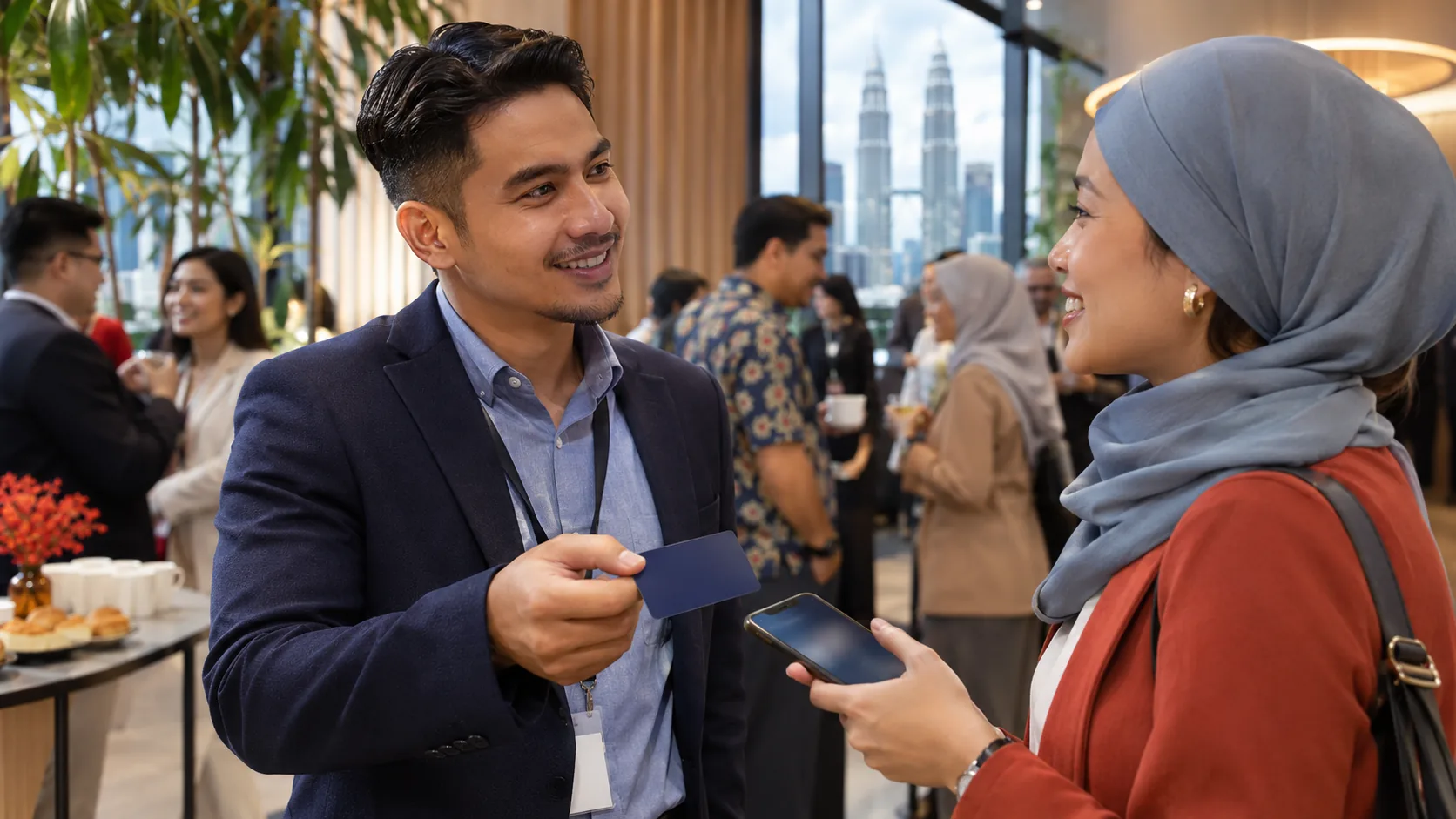
At a networking event, you may meet several people within a short time. Each conversation feels useful in the moment, but only some names, businesses and introductions remain clear afterward.
Your business card can help reinforce that memory. Its design, the way you present it and what happens after the exchange all contribute to the impression you leave.
An NFC card can make the experience more interactive, but technology alone does not make a business card memorable. A well-designed paper card can still create a strong impression, while a poorly prepared NFC card can create confusion.
Quick Answer: What Makes a Business Card Memorable?
A memorable business card makes your identity easy to recognise, connects clearly to the conversation, gives the recipient a useful next action and presents your brand consistently. The strongest cards are not simply unusual; they help someone remember who you are and reconnect without unnecessary effort.
Memorable Does Not Have to Mean Unusual
A business card does not need an extreme shape, complicated finish or impressive technology to be remembered. Those elements may attract attention, but attention is only the beginning.
The more useful test is whether the card helps the recipient answer four questions later:
- Who did I meet?
- What does this person or business do?
- Why was the conversation relevant to me?
- How can I continue the conversation?
If the recipient can answer those questions easily, your business card is supporting the relationship rather than acting as a decorative object.
1. Your Business Card Design Speaks Before the Details
Before someone studies your job title or phone number, they notice the overall presentation. A clear layout, readable typography, appropriate colours and consistent logo treatment can communicate care and professionalism.
A beautifully printed traditional business card can create a premium impression through paper quality, finishing and thoughtful design. The same design principles apply to an NFC business card. Adding a chip does not compensate for crowded information, weak contrast or inconsistent branding.
Focus on visual hierarchy. Your name, role and business identity should be easy to find. Supporting details should remain readable without competing for attention.
2. The Experience of Sharing the Card Matters
A familiar paper-card exchange is simple: you hand over the card, the recipient looks at it and decides where to keep it. That straightforward experience remains suitable in many situations.
An NFC card creates a different interaction. You might say, “Tap your phone here to open my digital business card.” The profile opens, and the recipient can view your information or choose an available contact action.
The interaction may create curiosity, but convenience matters more than novelty. Explain the tap naturally, avoid making the recipient feel tested and offer a QR code or direct link when NFC is unavailable or not preferred.
The goal is not to demonstrate technology. It is to make sharing comfortable and relevant to the conversation.
The Five-Part First Impression Test
Before using your card at a customer meeting, exhibition or networking event, review it from the recipient’s point of view.
| Test | Question to ask | A strong result |
|---|---|---|
| Recognition | Can someone identify my name, role and business quickly? | The main identity is clear without searching through crowded details. |
| Relevance | Does the card connect naturally to what we discussed? | The recipient can remember why the introduction mattered. |
| Action | Is the next useful step easy? | The person can save, call, message, email or visit the appropriate destination. |
| Consistency | Do the physical card and digital profile feel connected? | Colours, identity and business information remain recognisable across both. |
| Reliability | Have I tested every sharing method and important link? | NFC, QR, profile access and key actions work before a real meeting. |
A card can be visually attractive and still fail the test if the contact details are outdated, the QR code is difficult to scan or the digital profile makes the next action unclear.
3. A Strong First Impression Should Continue After the Meeting
A positive introduction is valuable, but the real networking challenge often appears later. The new contact may want to save your phone number, send a WhatsApp message, visit your website, find your location or share your information with a colleague.
A printed card can provide the necessary details, although the recipient may need to enter them manually or search for the relevant destination.
An interactive digital business card can place selected contact and business actions together. For example, an EvoLink profile may provide Save Contact, call, WhatsApp, email, website, social and navigation options according to the information supplied and the selected EvoCardLink package.
A great first impression opens the conversation. A clear way to reconnect helps the conversation continue.
4. Keep Your Professional Identity Consistent Online and Offline
Professional networking rarely stays in one channel. You may meet a prospective customer at an exhibition, exchange business cards and continue the discussion through WhatsApp several days later.
Your physical card, digital profile and follow-up message should feel like parts of the same professional identity. Use accurate information, recognisable colours, approved logos and a consistent portrait or business image where appropriate.
Consistency supports recognition. If the physical card presents one identity while the digital profile uses outdated details or unrelated visuals, the recipient may hesitate or wonder whether the link is correct.
5. Choose the Sharing Method for the Situation
Paper and NFC business cards can both create a strong impression when they fit the audience and setting.
At a Business Networking Event
A professionally designed NFC card can make a one-to-one introduction more interactive and give the recipient immediate access to your digital profile.
During a Corporate Meeting
Consistent physical cards and digital profiles can support a unified company identity across employees or departments.
During a Sales Consultation
An interactive profile can help the customer return to your contact information, website, location or other relevant business links after the appointment.
At an Exhibition with Many Visitors
Paper cards may remain practical for broad distribution, while an NFC card can be reserved for meaningful conversations where immediate digital follow-up is useful.
For a detailed feature-by-feature decision guide, read Traditional Paper Business Card vs NFC Digital Business Card: Which Is Better?
Common Business Card Mistakes That Weaken the Impression
- Overcrowded design: Too many colours, icons, services or contact details make the card difficult to scan.
- Outdated information: An incorrect phone number, role, email address or website creates frustration and weakens confidence.
- Poor digital presentation: A professional NFC card should not lead to a confusing, slow or inconsistent mobile profile.
- Too many choices: A digital profile filled with unnecessary buttons can make the most important action harder to find.
- No context during the exchange: Handing over a card without connecting it to the conversation makes it easier to forget.
- Skipping the test: NFC, QR codes, contact-saving options and important links should be checked before the card is used with customers.
Technology should make professional networking easier. If it adds confusion, simplify the design, explanation or next action.
How EvoCardLink Creates a Connected Professional Introduction
EvoCardLink combines two connected elements: EvoCard, the physical NFC card, and EvoLink, the interactive digital business card page.
EvoCard — Your Personalised Physical NFC Business Card
EvoCard provides the physical introduction. It can be professionally prepared with your supplied identity and business information, with NFC and printed QR access configured for the matching digital profile.
EvoLink — Your Interactive Digital Business Card
EvoLink provides the mobile-friendly follow-up experience. Visitors can view your professional information and use the available contact, website, social, map or business actions included in the selected setup.
EvoCardLink also includes done-for-you initial design and setup. You provide the required information and design preferences, and the EvoCardLink team prepares the connected physical and digital experience for review.
Explore the EvoCardLink Essential Package for straightforward professional contact sharing, or compare EvoCardLink packages for richer individual and team requirements.
Final Thoughts: Make Every Introduction Count
A business card is a small part of a professional introduction, but it can help the recipient remember who you are and what to do next.
Start with clear design and accurate information. Present the card in a way that supports the conversation. Make the follow-up path useful, keep your physical and digital identity consistent, and test the complete experience before an important meeting.
The most memorable part of any introduction is still the person behind the card. Be professional, be approachable and make it easy for people to reconnect.
Your brand. Your card. Your identity.
Questions, answered clearly
Frequently Asked Questions
Does an NFC card automatically make a business card more memorable?
No. NFC can create a convenient and interactive exchange, but the card still needs clear design, accurate information, a useful digital profile and a natural introduction. Technology supports the experience; it does not replace professionalism.
Is a paper business card still professional?
Yes. A well-designed paper card can remain professional, familiar and practical, especially for broad distribution or recipients who prefer a traditional exchange. The best choice depends on the audience and situation.
What information should be most visible on a business card?
Prioritise your name, role, business identity and the most relevant contact route. Avoid crowding the card with every service or channel. Detailed information can remain on your website or digital business card.
What if the recipient does not want to use NFC?
Offer another convenient method. A printed QR code, direct EvoLink URL or visible contact detail gives the recipient a choice and helps keep the interaction comfortable.
Do recipients need to install an application to open EvoLink?
No separate EvoCardLink application is required. EvoLink opens in the phone browser through an NFC tap, QR scan or shared direct link.
How should I test my business card before an event?
Check the printed details, tap the NFC card with a compatible phone, scan every QR code, open the digital profile and test the important actions. Ask another person to repeat the test on a different phone when possible.
Ready to Create a More Memorable Professional Introduction?
Discover EvoCardLink’s personalised NFC digital business card solutions for Malaysian professionals, business owners and corporate teams.